
To get started with the plugin, follow these steps to download, install, and activate your license on your WordPress website:
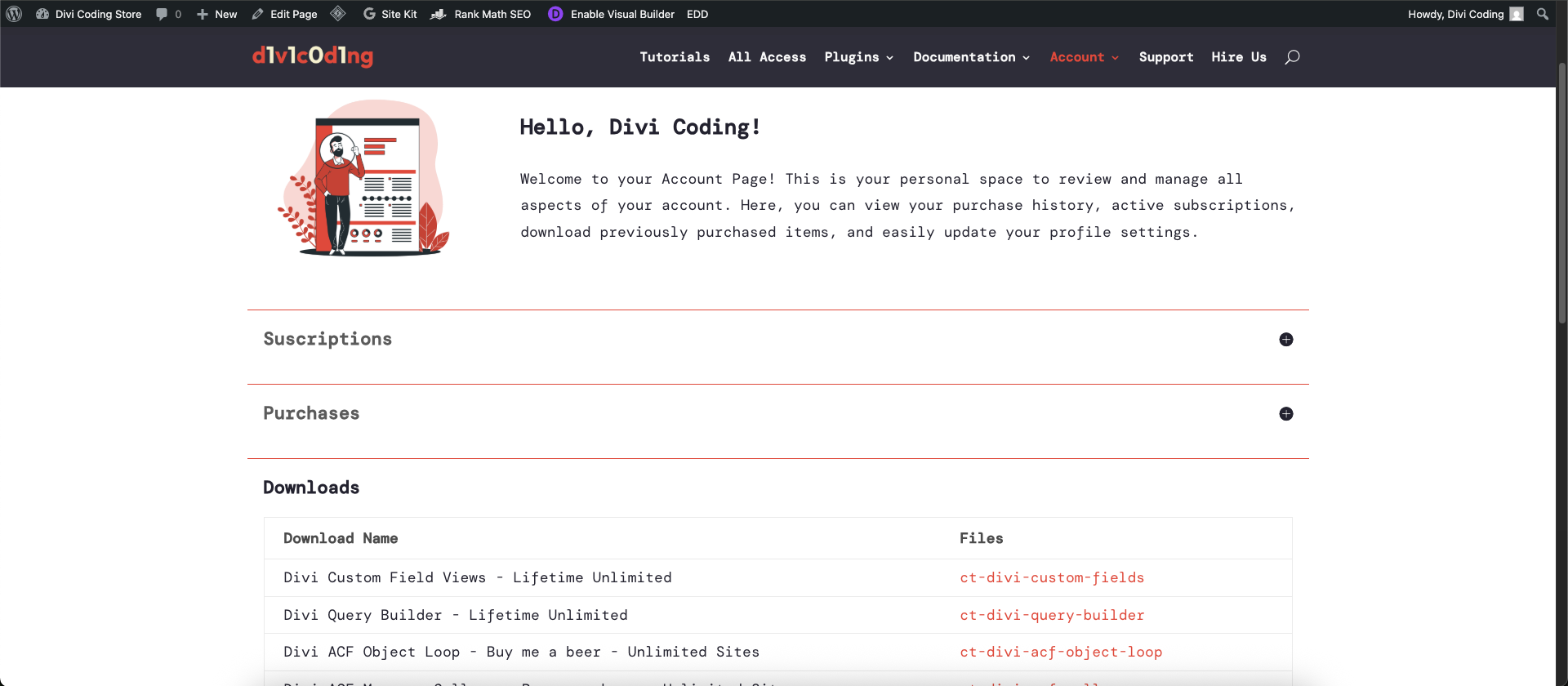
- Download the Plugin: Log into your Divi Coding Account page and download the plugin zip file.
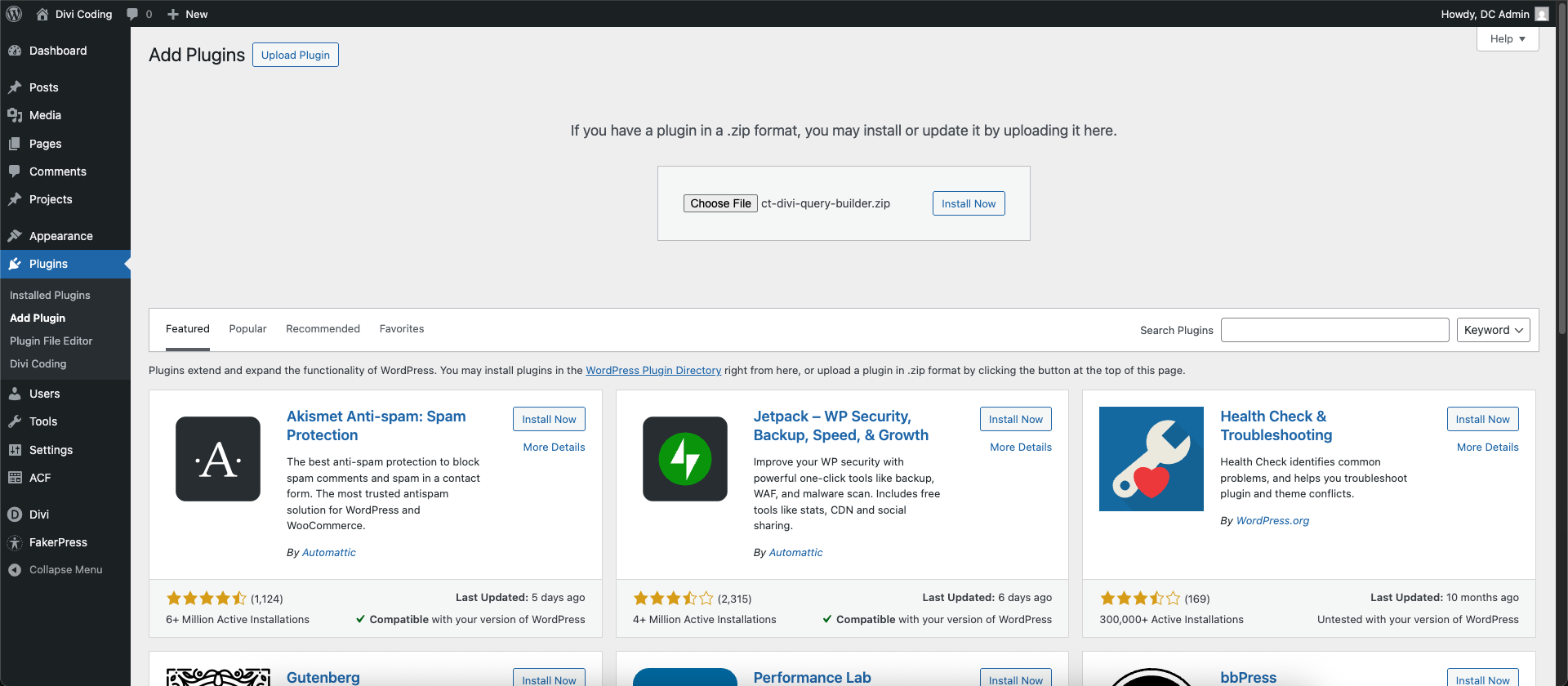
- Navigate to Plugins: Open your WordPress site's dashboard and go to the Plugins menu.
- Upload and Install: Click the Add New button at the top, select Upload Plugin, choose your downloaded zip file, and click Install Now.
- Activate the Plugin: Once the installation finishes, click Activate Plugin. A new settings sub-menu labeled Divi Coding will appear directly under your WordPress Divi menu.
- Enter Your License Key: Go to the Divi menu and select the Divi Coding sub-menu to enter your license key. Note: An active license is only required to receive automatic updates and access technical support.

0 Comments