
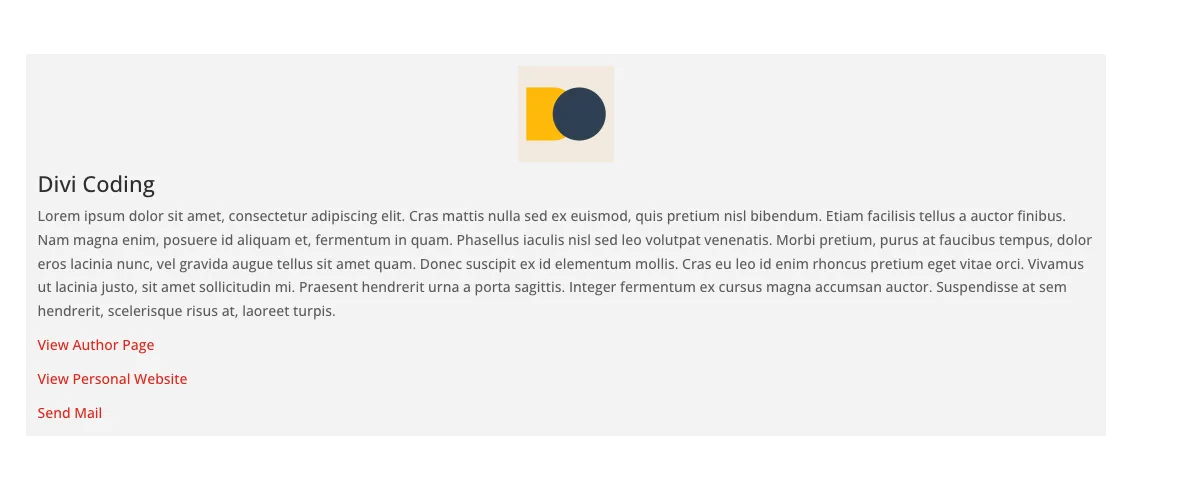
When building custom layouts with Divi, showcasing the current post author can add a personal touch to blog posts, team profiles, or contributor pages. With the Divi Query Builder plugin, this becomes straightforward using the Users query type and the Show Current Author toggle.
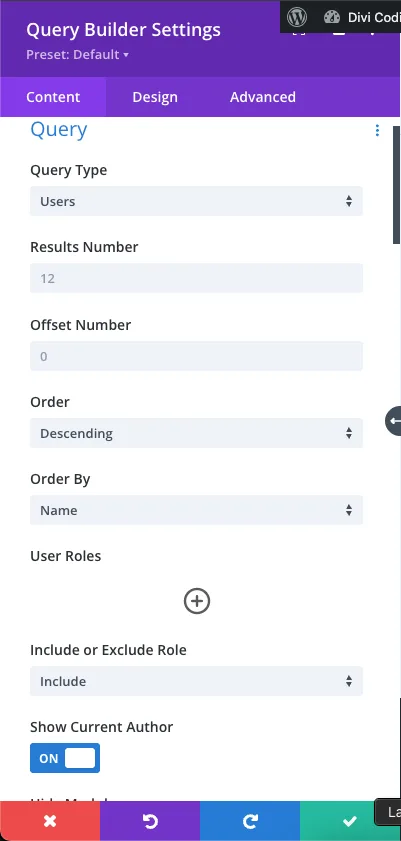
🔧 Module Setup: Query Builder Configuration
- Add a Query Builder Module to your layout.
- Under the Content tab, go to the Query section.
- Set Query Type to
Users. - Set Show Current Author to
ON.
🎨 Designing the Author Info Box
Once the query is set, you can style the output using Divi’s design options or custom fields. Common elements to include:
- Author Name: use dynamic content to insert the user’s display name.
- Author Bio: pull from the user’s description field (
user_description). - Profile Image: use the WordPress avatar or a custom image field.
- Links:
🧠 Behind the Scenes: How It Works
When Show Current Author is enabled, the plugin automatically detects the post_author of the current post and filters the user query to return only that user. This avoids manual filtering or custom code, making it ideal for dynamic templates.
$current_author_id = get_post_field('post_author', get_the_ID());
This ID is then used to filter the user query internally.
✅ Use Cases
- Blog post templates with author bios
- Custom post types (e.g., case studies, testimonials)
- Contributor spotlight sections
- Team member profiles linked to authored content
0 Comments